Made for coaches, therapists, realtors and creators
Meet your new video team: script writer, video editor, caption designer, voice artist, animator, music composer, translator, trend scout, content planner, social media manager and movie maker.
Type a topic and talk to camera. MovieBoard AI researches and writes your script, then edits, captions and posts the video to Instagram and YouTube in minutes. Plans start at $5 a month for your first 2 months, then $9, less than an editor charges for one video.
Every video scored for reach before it posts.
Works on your phone. Nothing to install, no other apps or subscriptions needed.
Try it free: 5 AI credits (about 2 Flash videos), no card needed.
Get the app, or use it in your phone's browser today:
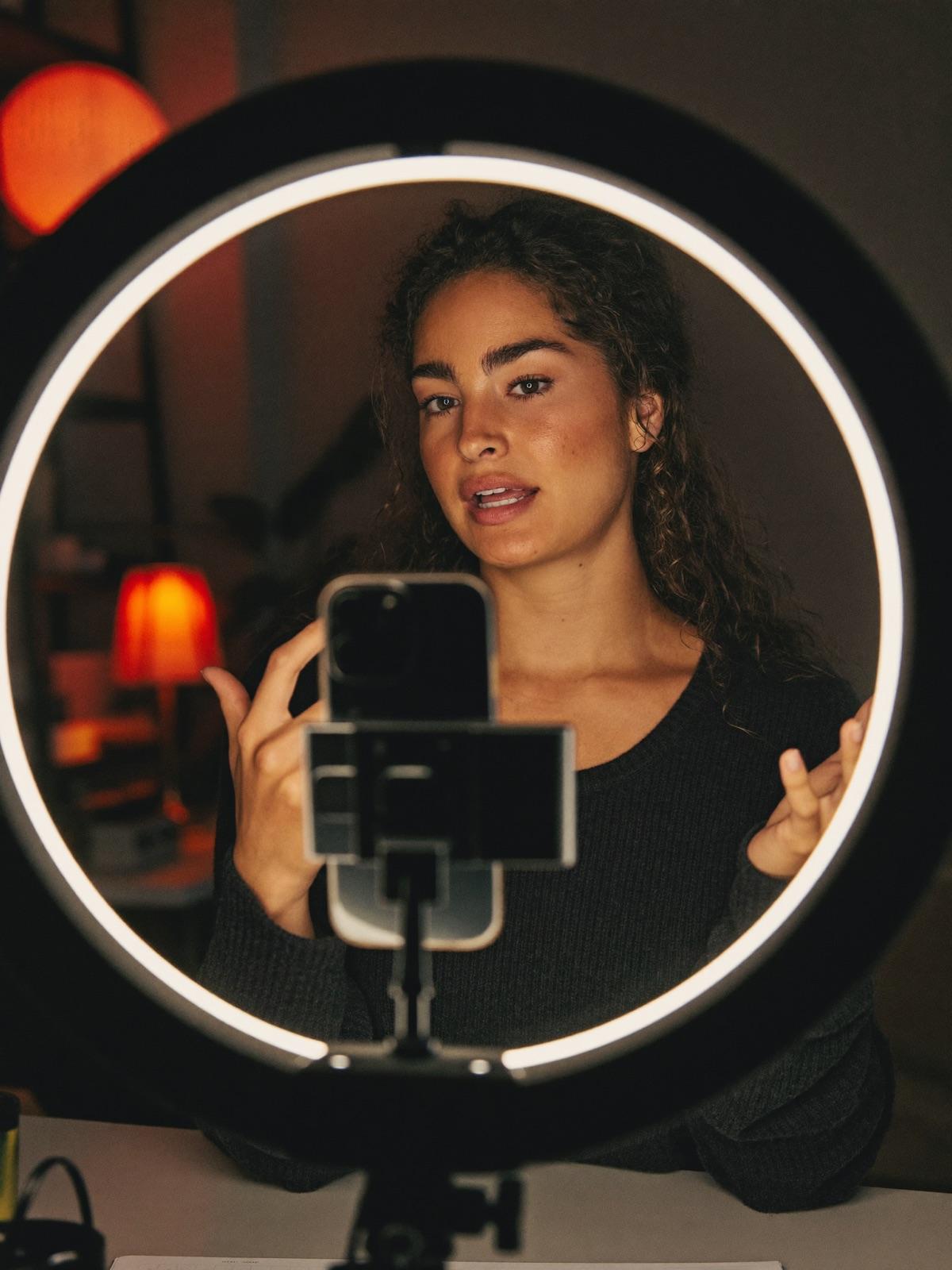
- Script researched for youWith a hook that stops the scroll
- Captions in your brand's styleYour fonts and colors, timed to every word
- Retakes and pauses cutOnly your best take stays
- Posted for youInstagram and YouTube, with hashtags
- Script researched for youWith a hook that stops the scroll
- Captions in your brand's styleYour fonts and colors, timed to every word
- Retakes and pauses cutOnly your best take stays
- Posted for youInstagram and YouTube, with hashtags
- Record once, we cut the retakes and pauses
- 1 take
- Script, record, edit and post, in one app
- 4 steps
- Posts straight to Instagram and YouTube
- 2 apps
- To try it, no card needed
- 5 free credits
One raw take, one posted video
Watch the edit happen to your take
Zoe's 30 second camera take and the 27 second video MovieBoard AI made from it. Zoe is an AI demo presenter.
Introducing Autopilot
Your social media, on autopilot.
Tell us about you once. Every week we plan your videos, make them, and post them on time. You just approve.
Tell us about you
What you do and what you want to talk about. Two minutes, once.
Approve your week
Every weekend you get your week's videos, scripts and captions. Approve, change or skip, all in one go.
We make and post them
AI Voice videos made for you, or film one yourself with our teleprompter. Each one posts to Instagram and YouTube at its time.
Nothing posts without your OK.
Comes with Pro and up, from $29 a month. See the plans
Coming soon
Your story, as an animated movie.
Type an idea. MovieBoard AI writes the story, draws your characters and makes each episode with voices, music and captions.
- Your idea, a whole storyPick from three story ideas and change anything in plain words. We write every scene and line.
- Characters that stay the sameLock your heroes, their props and places once. Every shot and every episode uses them.
- English, Hindi and TeluguEach language gets its own voices, music and captions, ready to post.
How it works
Pick your video. Your video team makes it.
Flash
Record or upload your video. We handle the best takes, captions and voice clarity. Ready to post in minutes.
Crafted
Your own video with graphics, a style and your extra clips. You check it before we finish.
AI Voice
No filming. A ready-made voice reads your script over graphics.
 Coming soon
Movie
No filming. Type an idea and get an animated story, episode by episode, with voices and music.
See what's coming
Captions in your brand's style
Your fonts, colors and logo in every video, with captions kept clear of the buttons Instagram and YouTube put on screen.
One video shouldn't eat your evening
Doing it yourself, that is your evening. Paying an editor, it is $25 to $75 a video and two days of waiting.
Making one video yourself, and with MovieBoard AI Step Doing it yourself With MovieBoard AI Topic and script Research it, then write it Type a topic, get a researched script scored out of 100, with up to 5 versions on paid plans Recording Retake until a line comes out right Read it off the teleprompter Editing Cut retakes, add captions, music and color by hand Done for you in a few minutes Posting Write a caption, hunt for hashtags Caption and hashtags written, posted in one tap
Better sound
Background noise is removed only when it's needed, and the volume is set to what the apps expect.
Private by default
Your upload is deleted after 3 days and the finished video after 7. Delete everything whenever you want.
Camera shy? Let AI talk.
No face needed. Type a topic, pick a voice, and our AI makes the whole video: the script, the voice and a full-screen graphic for every line.
Ready-made voices in English. AI Voice comes with every paid plan, from $5 a month.
Make a video without filmingMade with MovieBoard AI
Videos MovieBoard AI made, untouched. Drag the slider to see what went in. Real creators are shown with their permission; the demo presenters are AI-generated and the stock footage is from Pexels.
Punch · AI demo presenter
A countdown with glowing numbers and stat cards
Product · Stock footage
Coffee clips cut into a title and feature callouts
Explainer · AI demo presenter
Chapter cards and a three-step answer
Studio take · Real creator
Captions, keyword cards and a split layout
Faceless · AI demo presenter
Voice only: every line becomes a graphic
Cinematic · Stock footage
Mountain footage with letterbox bars and captions
Filmed sideways · Real creator
Turned to 9:16, Telugu captions and a numbered list
Ranking · AI demo presenter
A top five that fills in as he talks
Less than an editor, on every plan
What one video costs on each plan, against $25 a video from a budget freelance editor. The script, the captions and the posting come with it.
Starter
94%less
$1.50 a video, against $25
Creator
96%less
$0.90 a video, against $25
Pro
96%less
$0.78 a video, against $25
Business
97%less
$0.71 a video, against $25
Monthly plan prices per video of up to 90 seconds (3 AI credits). Beginner freelance editors charge about $25 to $75 a video. Try it free: 5 AI credits, about 2 Flash videos. No card needed.
See pricingFree to try · no card needed
Make your first video free
Pick one, and we do the editing. Captions, best takes and clear sound, ready to post in minutes.
Free with your 5 welcome credits. You'll create your account next; your video comes with you.
Want styles, B-roll or your brand? You can pick them in the full editor →
✓ No card needed✓ Failed videos are free✓ Works on your phone
Questions people ask first
Is it really free?
Yes. Every new account gets 5 AI credits to try it (about 2 Flash videos), no card needed. Videos made without a plan end with a short "Made with MovieBoard AI" card. Paid plans start from $5 a month for 20 AI credits.
Do I need a computer?
No. Everything works on your phone, in the browser today, or in the browser on a laptop if you prefer.
Do I have to install or set anything up?
No. Sign up, type a topic and start. There is nothing to install and no guide to follow.
Do I need another AI subscription?
No. Your MovieBoard AI plan covers the script, the edit, the voice and the posting.
Do I have to show my face?
No. With AI Voice, on every paid plan, a ready-made AI voice reads your script over a full-screen graphic for every line.
Will my first video look good?
Yes. And if you want a change, your first re-render of each video is free.
How long does one video take?
A few minutes of your time. For a 60 second video: about a minute for the script and a few minutes to record, then we edit it while you get on with your day. You get an email when it's ready.
Do you post without asking me?
Never. A video goes out only when you tap Post, or when you approved it in your Autopilot week.
What do you do with my YouTube or Instagram account?
Only what posting and your style need. When you connect YouTube, we ask Google for two permissions: to upload videos to your channel, and to read your channel. We read your channel's name, so we can show which one you connected. If you leave "Learn my style" on (in About you), we also read the titles and descriptions of your own last 30 videos, about once a week, so your new videos sound like you. Once it's available, it reads your own last 30 Instagram captions the same way. We keep only a short summary of your style, never the posts themselves. We post only the video you choose, when you tap Post. We never change or delete your videos, never sell your data, and never use it for ads or to train AI. Turn "Learn my style" off, disconnect in Settings, or remove MovieBoard AI from your Google account, at any time. Read our Privacy Policy
Does it work in Telugu and Hindi?
Yes. Captions and scripts in English, Hinglish, Hindi and Telugu, with the right fonts for each script.
Will it sound like me?
It is your own recording. We keep your best take of each line and cut the pauses; your voice and your words stay as you said them.
Can I change the edit?
Yes. Change any line's words, look or timing, move lines, or bring back a cut take, then render it again while your upload is kept (3 days). The first re-render of each video is free, after that it is 1 AI credit.
What do I need to record?
Your phone. Record in the app (the teleprompter comes with Creator and up), or upload a video of you talking to camera, up to 90 seconds, 2 minutes on Creator, and longer on Pro and Business.
What happens to my video?
Your upload is deleted 3 days after the video is made, and the finished video after 7. Delete everything whenever you want.
Your next video can be up tonight
Start free, no card needed. Your videos stay yours, and nothing is posted unless you tap Post.
Get the app, or use it in your phone's browser today: